01Items
From the wig to the last buckle.
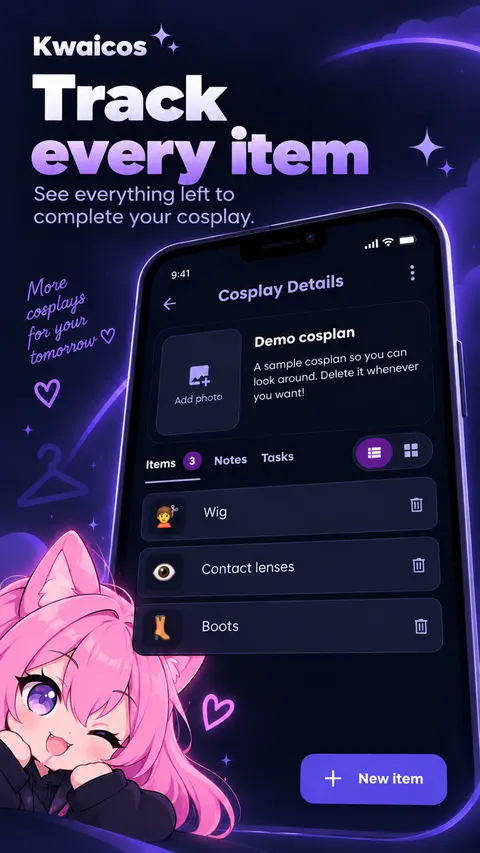
Give each piece a name, photo or emoji. Switch between list and grid to spot everything at a glance. Even that prop that’s still just an idea.
FROM THE FIRST SCREENSHOT TO THE LAST STITCH
Wigs, props, 3 a.m. ideas. Put them in a cosplan and keep track of what needs doing. Sewing is already hard enough.
No account. No ads. Your pace.
IF YOU MAKE COSPLAY, YOU KNOW.
The reference is in a screenshot. The measurements are in a chat. The to-do list? Great question. Your cosplay deserves a place of its own.
Turn “I’ll figure it out” into a cosplan.
MEET YOUR NEW CREATIVE CORNER
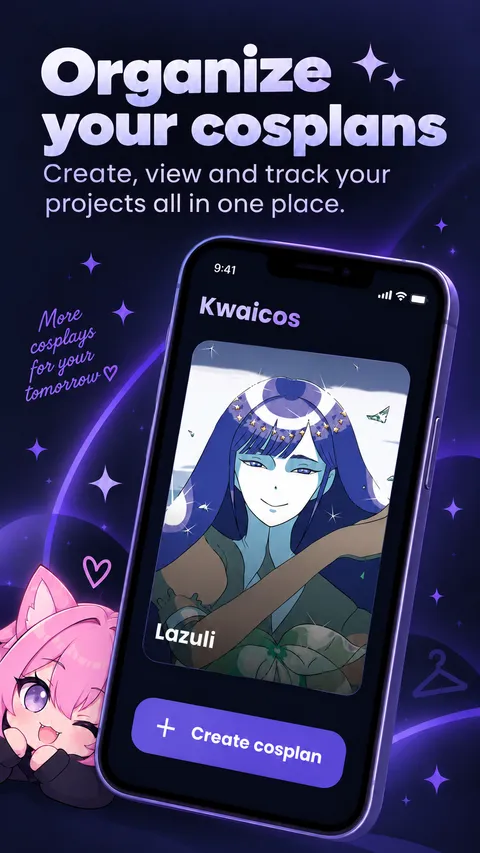
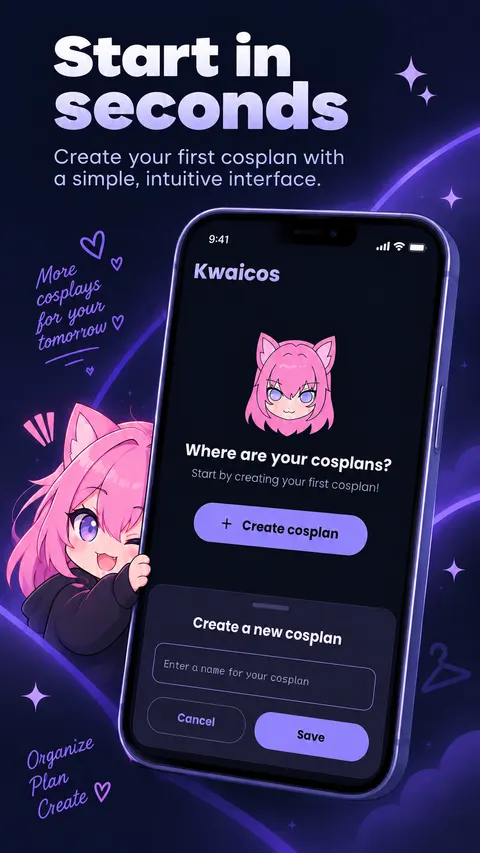
A cosplan is your cosplay project. Give it a name and a cover, then bring together the pieces, the ideas and the next steps.
Give each piece a name, photo or emoji. Switch between list and grid to spot everything at a glance. Even that prop that’s still just an idea.
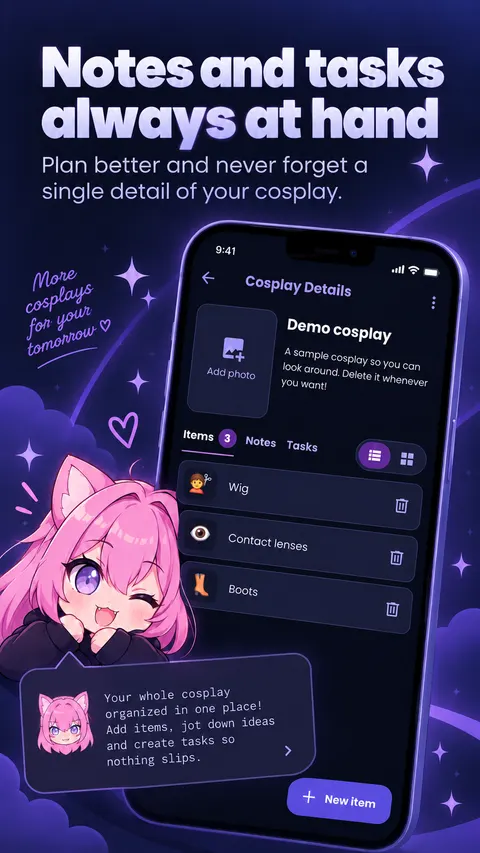
Measurements, references and that paint mix that actually worked. Keep them in notes with headings, formatting and checklists. Your text saves as you write.
Create tasks, set due dates and watch your progress. Finished sewing the cape? Check it off. Enjoy that tiny victory.
NO SIGNAL. NO PROBLEM FOR YOUR COSPLAN.
On the bus, in the con line or in a makeshift dressing room. You don’t need internet to organize your cosplay.
No signup, password or email confirmation. Your next idea can become a cosplan right away.
No ads getting in your way. Your cosplans, notes and tasks stay on your device, without cloud sync.
BEFORE YOU GET STARTED
It’s your cosplay project inside Kwaicos: a name, cover photo, description and tabs for items, notes and tasks. Create one for each character or idea.
Yes. You can create and browse cosplans, items, notes and tasks offline. You only need internet to download the app and its updates from Google Play.
No. Kwaicos doesn’t require a login, email or signup. Your data stays locally on your device.
The version featured here is for Android through Google Play. There isn’t an iPhone download available on this page.
Not yet. Your cosplans stay on your device, without backup, export or cloud sync. Uninstalling the app or clearing its data in Android settings deletes your projects.
No. Due dates are shown inside the app to help you plan. Tasks don’t send notifications or alarms.
Brazilian Portuguese and US English. The app follows your phone’s language setting. If the language isn’t recognized, it opens in Portuguese.
READY TO BRING THAT CHARACTER TO LIFE?
Your next idea has a place to start. Create your first cosplan in Kwaicos.
Download for AndroidAvailable on Google Play